


Simplicité & IA
Our approach to AI applied to low-code
With Simplicité, we aim to create a rapid feedback loop between the developer and the application by leveraging our dynamic model interpreter, which requires no code generation. As the heart of trusted AI, the platform orchestrates decisions and provides a native human interface (HITL) that allows users to validate and control AI outputs.
Simplicité uses the MCP protocol to transform your requirements into a business interface. This ensures a highly scalable system, where versioning and auditability are embedded in the DNA of your data.
In our approach, LLMs (such as Mistral AI) act as the ‘brain’ and provide an additional layer of abstraction. This allows developers to focus on delivering value through a rapidly created model, whilst benefiting from a high-performance contextual memory (RAG).
An agnostic view of
How is AI integrated into Simplicité?
The integration of AI within Simplicité is based on an architecture in which the platform acts as the decision-making hub and human interface (HITL). Our agnostic approach allows us to call upon the language model (LLM) best suited to our needs: high-performance models such as Mistral AI, sovereign AI, or other types of models for total control.
Performance depends on the model chosen; some models are more suited to specific design features.
To meet specific business needs, Simplicité can be linked to existing AI that has already been trained in the relevant field. Currently ChatGPT / Mistral / Claude / ...





Supporting low-code developers with AI

To facilitate the modelling of requirements

Get an application framework in just a few minutes

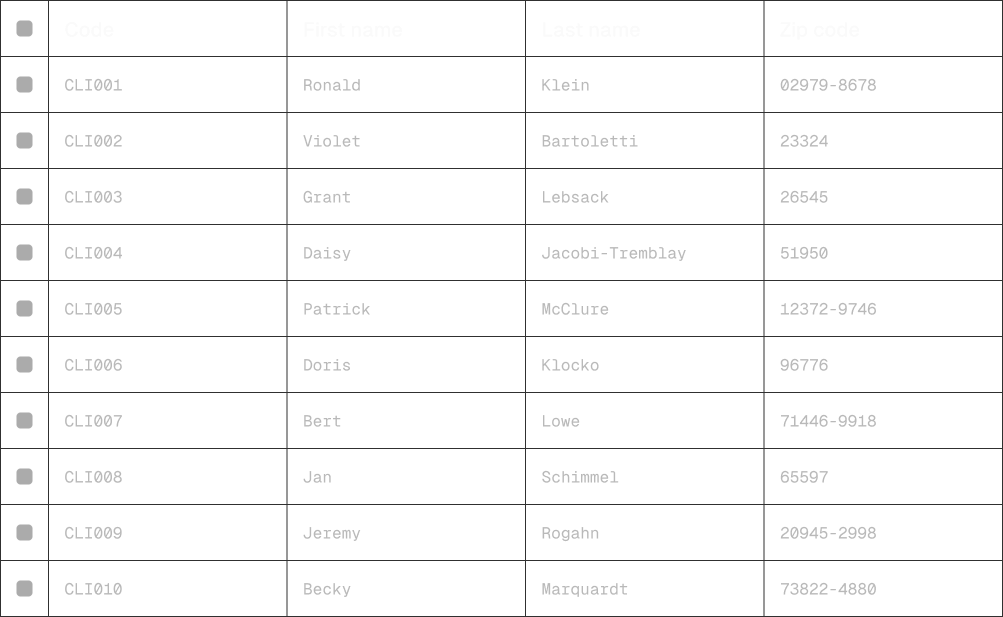
Facilitate functional testing by generating dummy data

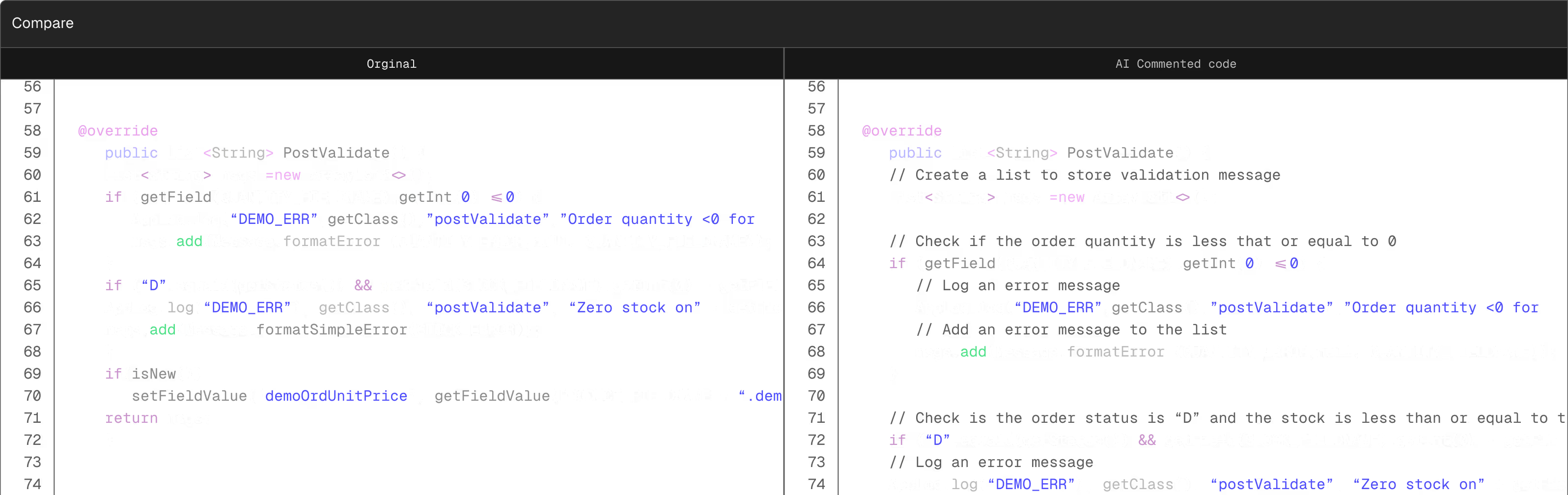
Guidance on documentation for maintainability (comments and documentation)
Module generation and modification
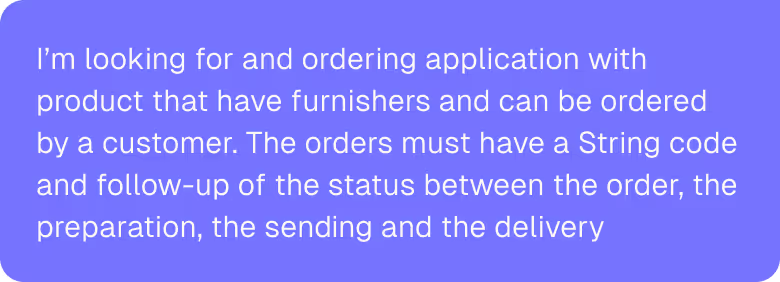
From defining requirements in natural language
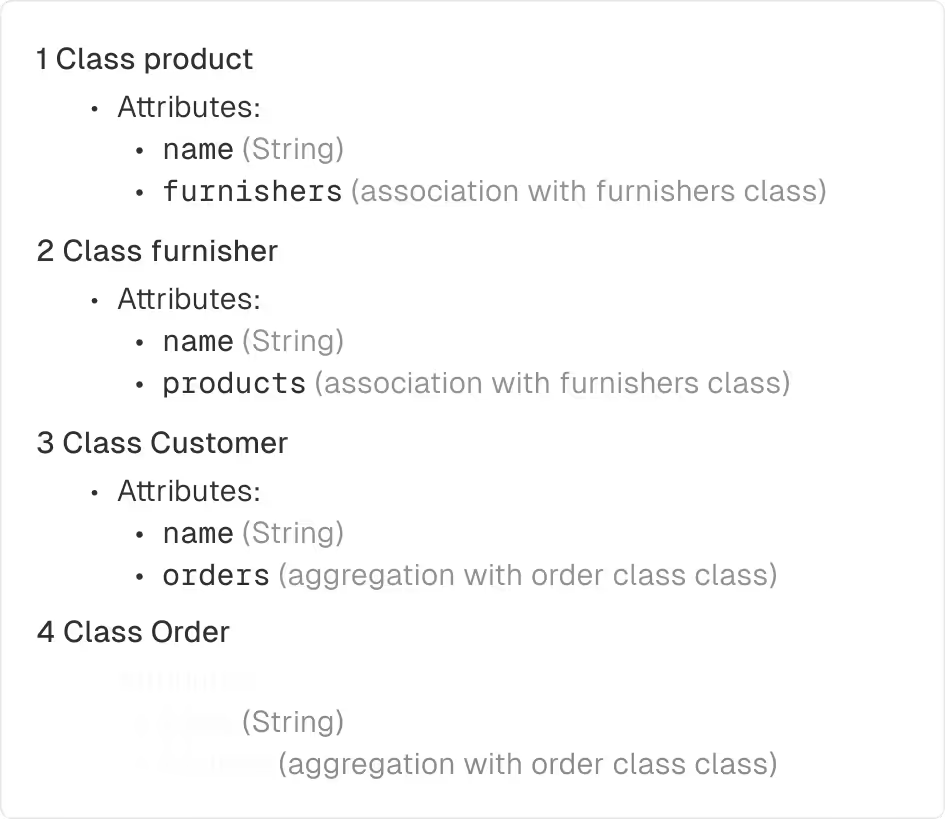
To a functional module
Orders




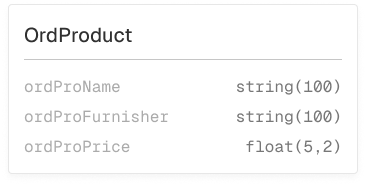
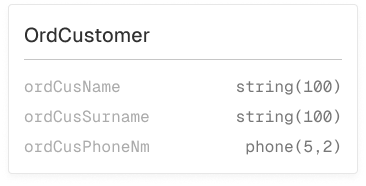
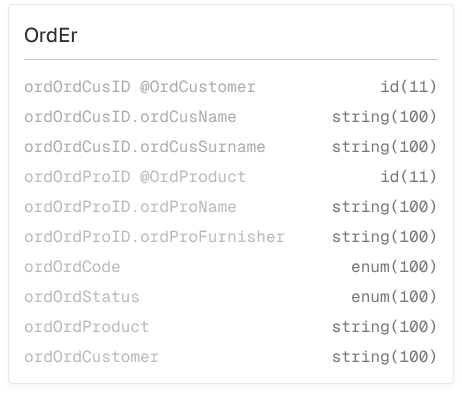
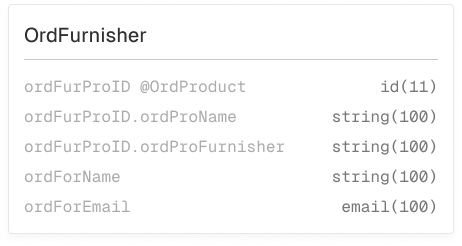

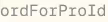

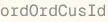


Complete a module quickly
Need to add an object to your module?
The AI understands the module and guides you through the modifications. It then modifies the module.

Generate data for testing and demos
One-click data generation for testing and demonstrations.
Documentation support for maintainability
Perspectives
Other approaches to facilitate specific development
Template generation for publications and other specific front-end elements
Generation of more complex specific fronts.
Anonymisation tools.
Train an LLM in Simplicité :
Tips and best practices for configuration
Maker-oriented chatbot
Customised reports
Expanding career opportunities through AI
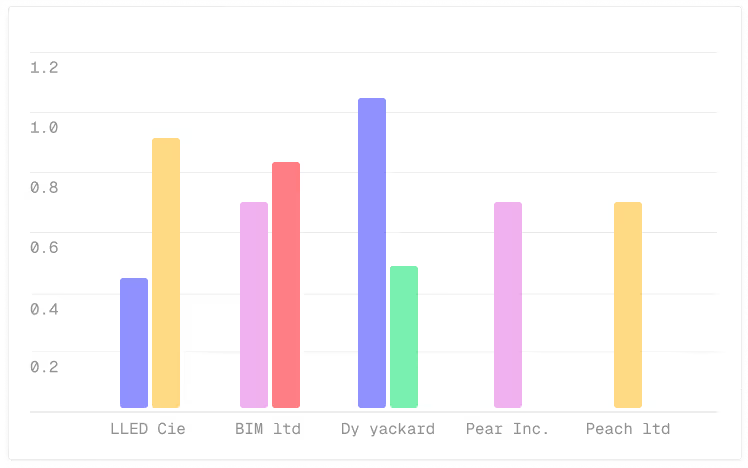
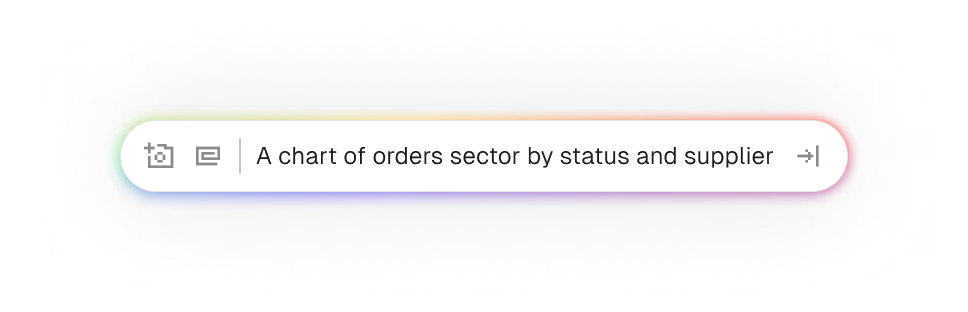
Contextualised charts
Enable business units to generate charts on the fly based on their permissions across an entire module.
An external object that can be included in a view or template via configuration.

Test and learn = a method for validating effectiveness / rapid MVP development. Validating a business need.

Creation of test data

AI = drafting texts / emails within the app.

A chatbot tailored to the specific business processes of the module.
Perspectives
Tips and best practices for configuration
Maker-focused chatbot
By 2027, nearly three-quarters of new applications developed by businesse dwill use low-code and AI (compared to 25% in 2023).Source forester

